Chromebook Laptops
| Monday - Friday | 10:00 AM — 6:00 PM |
| Saturday | 10:00 AM — 2:00 PM |
| Sunday | Closed |
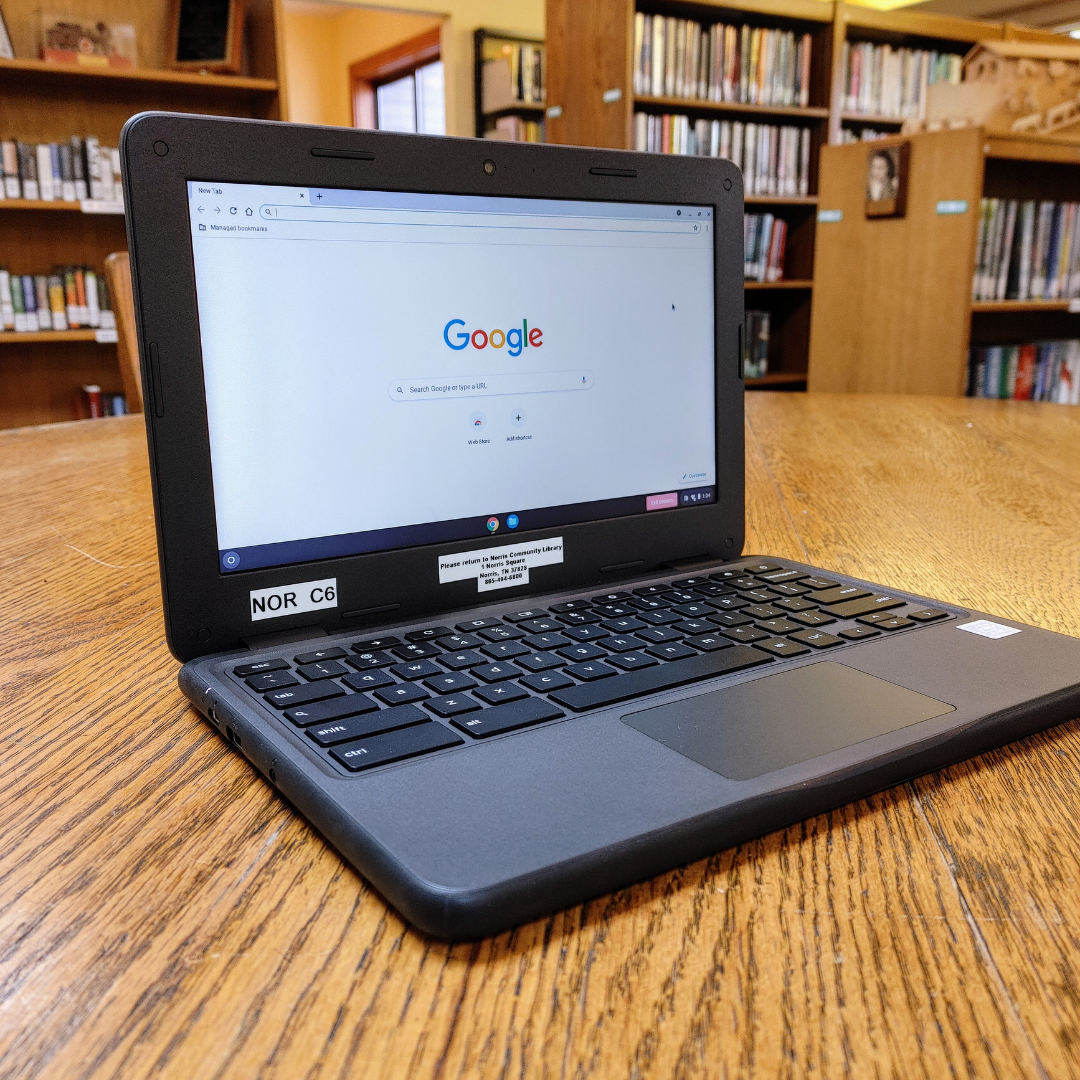
An accessible and highly durable 11-inch laptop with up to 14 hours of battery life and features for seamless manageability.
Borrowing Eligibility:
- All patrons in good standing (fees under $5) may checkout a Chromebook from Norris Community Library.
- Patrons under the age of 18 must have a parent/legal guardian present to sign the “Chromebook Lending Agreement and Policy” at checkout.
- Chromebooks may only be checked out by the cardholder or the parent/legal guardian of any cardholder under the age of 18. The cardholder must be present at the time of checkout.
Loan Period and Availability:
- Chromebooks may be checked out for a 7 day period. Once a Chromebook is overdue by one (1) day, library staff will remotely deactivate the device.
- Checkouts are limited to one Chromebook per household.
- Chromebooks can be reserved in person, over the phone, or online and will be held at the front desk for three business days before that reserve expires.
- Chromebooks must be renewed in person (with device present). Devices can be renewed up to twice and may be renewed only if no other reserves are present on the device.
- There are no check out fees associated with the Norris Community Library chromebooks.
- Chromebooks will not be checked in if it’s missing any accompanying accessories or the device (or accessories) is damaged.
- Included with Chromebooks at checkout :
- Chromebook (with management software)
- Power cord and AC adapter
- Chromebook case with ID tag
- Chromebooks must be turned in to the front desk, directly to a library staff member. Chromebooks may not be turned in through the drop box. If turned in through the drop box or another library, the patron will be charged a $25 fee on their account.
Fees and Fines:
-
-
- Chromebooks may be checked out for a 7 day period. Overdue fines are $2 per day.
- Once checked out, the cardholder is financially responsible for the Chromebook and provided accessories. Chromebooks and accessories must be returned in working condition or replacement/repair costs will be added to the patron’s account.
- Costs for Chromebook and accessories are as follows:
- Chromebook and management software: $300
- Power cord and AC adapter: $30
- Chromebook case and ID tag: $45
-
Total cost for Chromebook and all accessories together: $375
Use and Liability:
- The Norris Community Library is not responsible for any liability, damages, or expense from the misuse of the Chromebooks. The patron understands that the device’s data will be wiped clean at the end of every session and the library is not liable for any loss of work or data.
- The Chromebooks provided by Norris Community Library are filtered through Google management software by default. Patrons can request for the device to be unfiltered at any time. Filtering is done for the safety of patrons and users. It blocks potentially malicious websites, pop-ups, and downloads. All Chromebook devices will be returned to its original state when each individual session ends.
Care of Chromebooks:
- When checking out a chromebook from the Norris Community Library, patrons agree to follow these basic guidelines regarding the safety of the device:
- Do not leave the Chromebook in a hot or extremely cold environment for an extended period of time.
- Do not submerge the Chromebook.
- Do not remove the battery, open up the plastic casing, or otherwise attempt to alter the physical structure of the device in any way.
- Do not hit, bludgeon, or otherwise treat the device with force.
- Do not insert items into the device that are not otherwise compatible with its various ports (i.e. incompatible cords, adapters, non-technology items, and etc.)
- Do not attempt to clean the device with household cleaning products. The library will clean each device between uses or as needed.