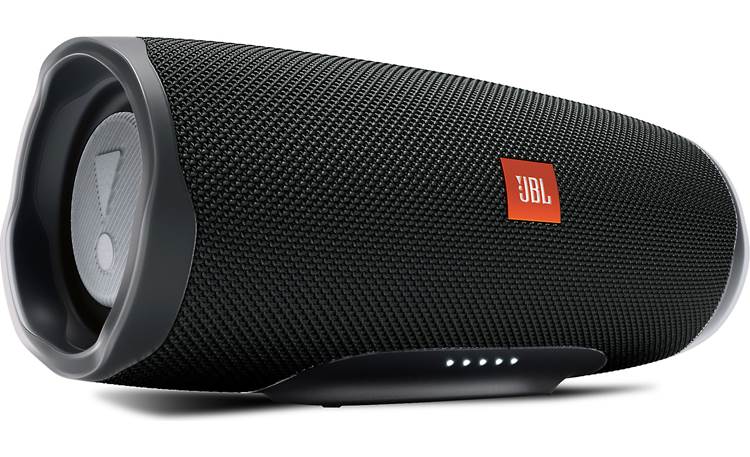
JBL Bluetooth Speaker
| Monday - Friday | 10:00 AM — 6:00 PM |
| Saturday | 10:00 AM — 2:00 PM |
| Sunday | Closed |
- Turn the speaker on by pressing the power button once, and turn it off by holding it.
- Connect to a new device by pressing the Bluetooth symbol button (next to the power button) and selecting “JBL Charge 4” from available devices in your Bluetooth settings menu.
- Play music via a wired connection by plugging into the Aux port under the rubber flap.
- Play and pause with the play button (triangle shape) or skip to the next tract by pressing it twice quickly.
- Adjust the volume with the plus and minus buttons.
- To charge the speaker, open up the rubber flap near the bottom of the speaker and plug in the cord to the port with the lightningbolt symbol. (Wall outlet block not included in case with speaker check out) The five small light dots indicate the charge status and current battery level.
- Use the speaker as a power bank for other devices by plugging the charging cord into the USB-A port under the rubber flap.